Cloud vs. Desktop: Which Workflow Delivers Better 3D Site Models?
When surveyors, engineers, and construction professionals need accurate 3D site models, they face a fundamental choice: process drone data on a local desktop computer or use a cloud-based platform. Both approaches can produce detailed 3D outputs, but they differ sharply in speed, cost, collaboration, and hardware requirements. Understanding these differences helps you pick the workflow that fits your project size, team structure, and turnaround needs.
What a 3D site model workflow involves
A typical drone mapping project starts with capturing overlapping aerial images. Those images must then be stitched together using photogrammetry or structure-from-motion algorithms to produce a dense point cloud, a digital surface model, and an orthophoto. From that raw data, you generate the final 3D site model, which can be a textured mesh, a contour map, or a volume calculation. The processing stage is the most computationally demanding part of the pipeline. A single 50-hectare site can produce hundreds of images, each 20 megapixels or larger. Aligning and matching those images requires significant RAM, a fast GPU, and ample storage.
Desktop-only workflows: the traditional route
Running photogrammetry software on a local PC gives you full control. You own the hardware, the software license, and the data throughout the process. There is no internet dependency, no monthly subscription, and no concern about uploading sensitive imagery to a third-party server. For small sites or occasional projects, a desktop workflow can be economical. You buy the software once and use it indefinitely, as long as your computer meets the requirements.
The downside is hardware cost and obsolescence. Processing a large site on a laptop with 8 GB of RAM can take hours or simply fail. To handle commercial workloads, you need a desktop workstation with 32 GB or more of RAM, a powerful graphics card, and a fast SSD. Such a machine costs several thousand dollars and needs replacement or upgrade every few years. Meanwhile, the software itself may require annual updates or maintenance fees. If you share models with clients or colleagues, you must handle file transfer, version control, and compatibility issues manually. A desktop workflow also ties you to a single location. Processing a job at the office means you cannot review progress from the field or show a client a preliminary model while standing at the site.
Cloud-based drone mapping: how it works
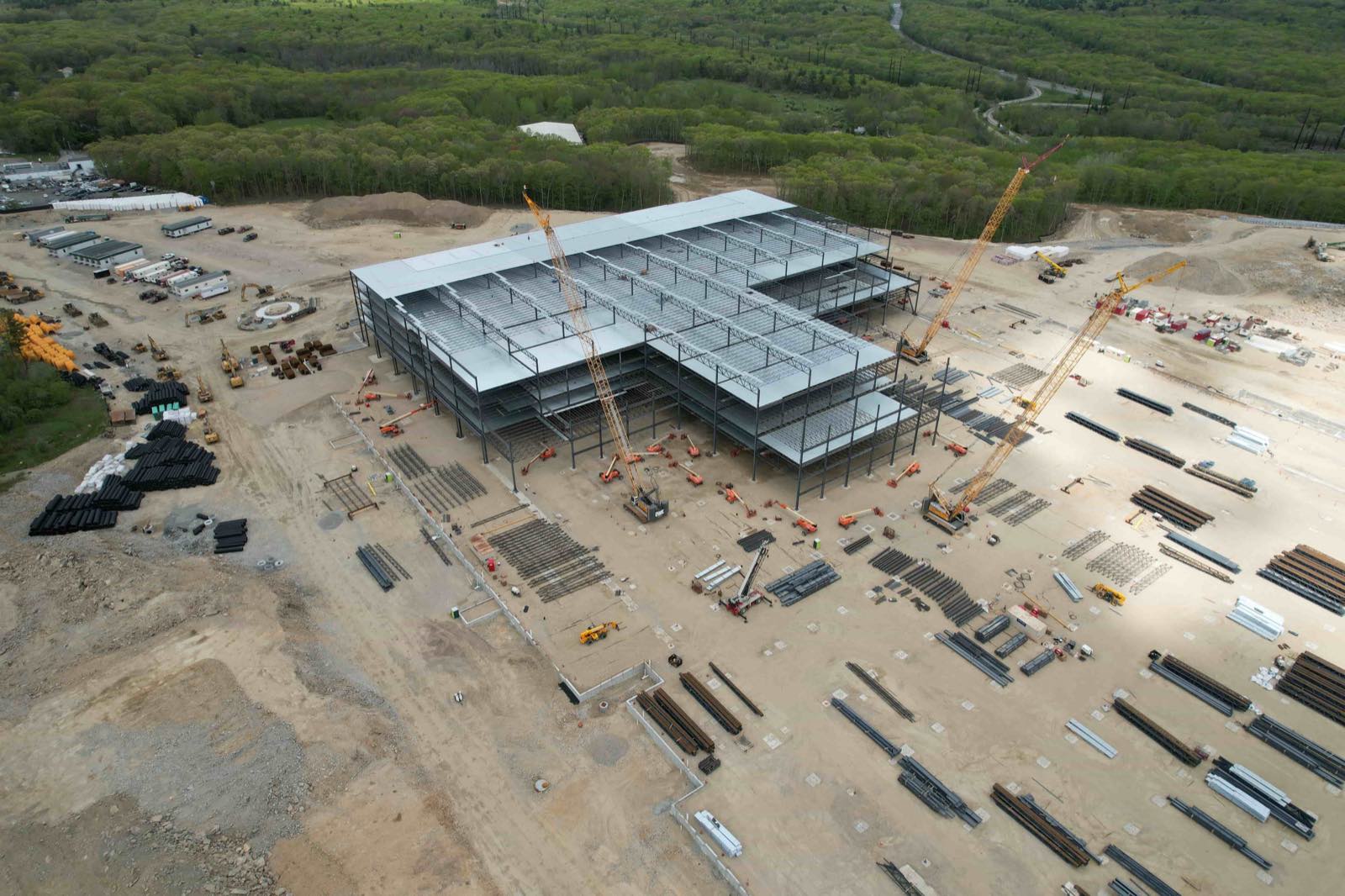
Cloud platforms take the heavy processing off your local machine. You upload the raw images to a server, and the platform distributes the computation across many virtual processors. The result is a 3D site model that you can view, measure, and share through a web browser. No software installation is needed beyond a modern browser and a stable internet connection. Processing time on the cloud is often faster than on a mid-range desktop because the platform can allocate dedicated GPU resources. For large projects, that speed difference can be dramatic: a job that would take all night on a desktop may finish in an hour on the cloud.
Cloud workflows also simplify collaboration. Multiple team members can access the same model simultaneously, take measurements, add notes, and compare versions without copying files. Clients can view the model through a simple link, with no special software required. This is especially valuable when you need quick approvals or want to overlay the model with design drawings. The platform handles storage, backups, and updates, so you never worry about running out of disk space or losing work to a drive failure.
Trade-offs to consider
Cloud processing is not free. Most platforms charge a per-project fee or a monthly subscription. For a small site that you process once, the cost may be similar to or higher than the electricity and wear on your own machine. For frequent or large projects, the subscription can become a significant operating expense. Additionally, cloud processing depends on upload speed. If you are working in a remote area with limited internet, uploading hundreds of large image files can take longer than processing them locally. Some platforms compress images during upload to reduce time, but this can affect final model accuracy.
Data security is another factor. When you upload imagery to a cloud service, you are entrusting that provider with potentially sensitive site data. You must review the provider's privacy policy, data encryption practices, and server location. For defense, infrastructure, or government projects, a desktop workflow may be the only option that meets client data-handling requirements. On the other hand, many cloud providers now offer enterprise-grade security and comply with standards such as SOC 2 or GDPR, making them suitable for most commercial work.
When desktop makes sense
A desktop workflow is often the better choice when you process a low volume of sites, work on sensitive projects, or need to keep every byte of data inside your own network. It also suits situations where you have a powerful workstation already and want to avoid ongoing costs. For example, a small engineering firm that surveys a few building lots per month can run photogrammetry software on an existing high-end gaming PC and produce 3D site models without any external service. The learning curve is steeper, but the long-term cost can be lower if the hardware is already paid for.
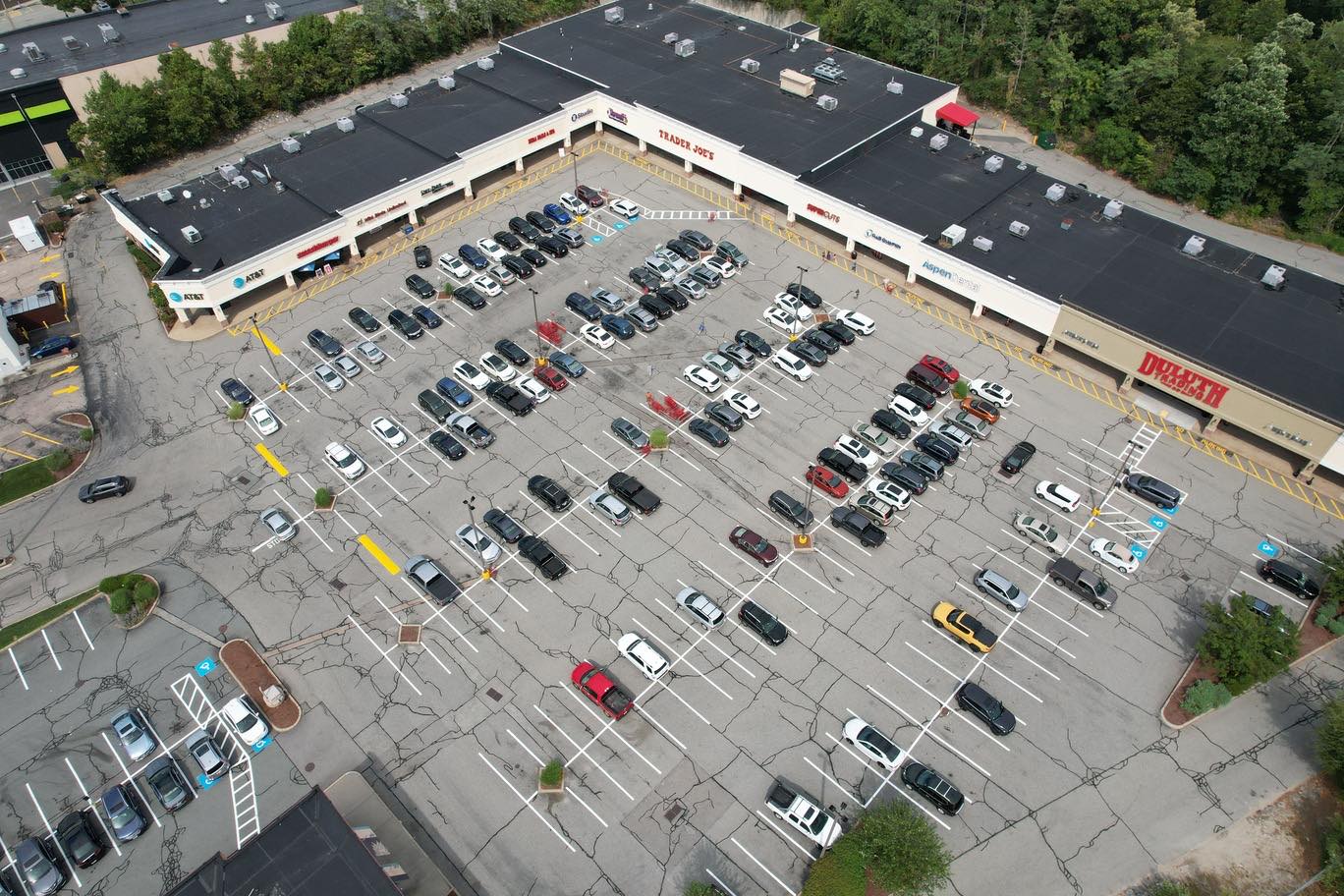
Desktop workflows also give you full control over processing parameters. You can fine-tune alignment settings, tie points manually, and experiment with different outputs without worrying about platform-imposed limits. For research or very high-accuracy work, that flexibility matters. However, the trade-off is that you are limited to the power of that single machine. A project that exceeds your RAM or GPU capacity will either fail or require you to split the dataset into smaller chunks, which adds time and complexity.
When cloud shines
Cloud-based mapping becomes attractive when you need fast turnaround, work with large datasets, or collaborate with a distributed team. It is also ideal for occasional users who do not want to invest in a high-end workstation. A surveyor who flies a drone once a week can subscribe to a cloud platform and process each job on the provider's servers, paying only for the processing time used. The same surveyor can review the 3D site model from a tablet in the field and share it with the project manager immediately.
Cloud platforms also scale naturally. If you have a sudden influx of work, you can process multiple projects simultaneously without buying more hardware. The platform handles the load, and you pay only for what you use. This scalability is particularly valuable for companies that do seasonal work or take on occasional large infrastructure projects. A platform like National Drone Services, for instance, provides an integrated environment for uploading, processing, organizing, and sharing drone data nationwide. It eliminates the need to manage separate software for each step of the workflow. By centralizing data in the cloud, you can compare historical models, measure changes over time, and share results with stakeholders without version confusion.
Hybrid approaches
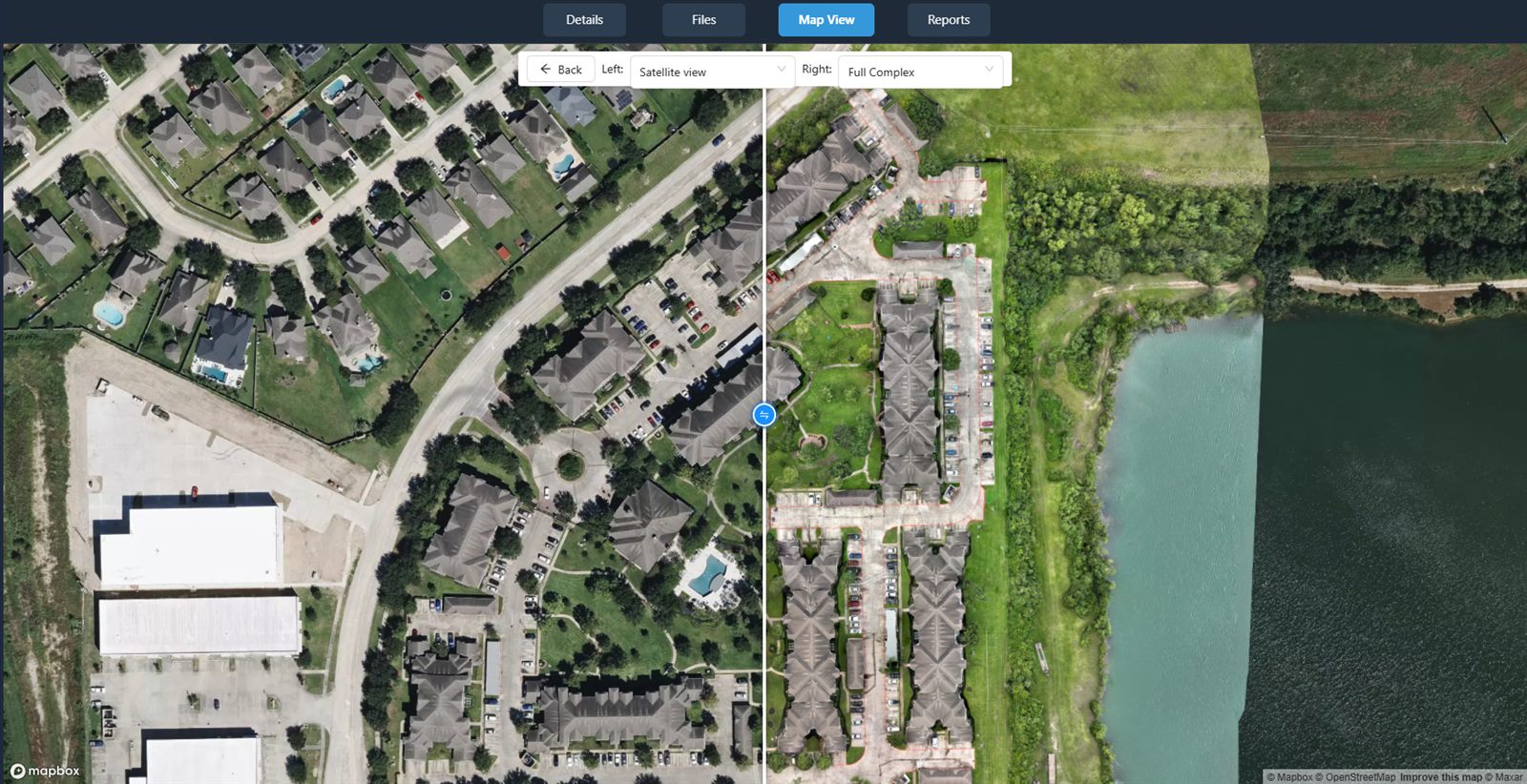
Some teams adopt a hybrid strategy. They use desktop software for initial processing of small or sensitive projects, and rely on the cloud for large jobs or when they need quick results. Others use the cloud for the computationally heavy steps, then download the final model for local editing or integration into CAD software. The key is to choose a workflow that matches your typical project size, your team's technical comfort, and your budget. A platform like National Drone Services supports this hybrid model by allowing users to upload raw data for processing and then export the resulting 3D site model for use in other tools. This flexibility means you are not locked into one approach for every project.
Making your choice
To decide which workflow suits you, start by auditing your last few projects. How many images did you process per site? How long did processing take on your current computer? How often did you need to share the model with someone who could not open your native file format? If you find that processing time is a bottleneck or that sharing requires extra steps, a cloud solution may save you hours per project. If you rarely process more than a few hundred images per month and your clients accept file-based delivery, a desktop workflow remains a solid, low-cost option.
Also consider your internet connection. Reliable broadband with at least 10 Mbps upload speed makes cloud processing practical. If you work in areas with slow or intermittent internet, a desktop workflow may be more reliable. Finally, think about the future. As drone sensors capture higher-resolution imagery and as projects demand more frequent surveys, the cloud's scalability becomes harder to ignore. Starting with a hybrid approach lets you test the cloud on small projects before committing to a subscription. The goal is not to pick the "best" workflow in general, but to find the one that lets you deliver accurate 3D site models efficiently for the work you actually do.
National Drone Services on social media
 Facebook